Separate Chrome profile
Section titled “Separate Chrome profile”To isolate the browser from your general browsing, it operates in a separate Chrome profile.
Because Chrome profiles are isolated, this profile doesn’t share any cookies or sign-in information from your normal browsing profile. However, all sign-ins persist so that whenever you open the browser in the future, your accounts remain signed in.
If your normal Chrome browser is open when you launch this profile, it appears as a separate dock icon and runs as a separate application. If Chrome isn’t open beforehand, this application looks the same as your default profile. To return to your default profile, quit the application and relaunch Chrome.
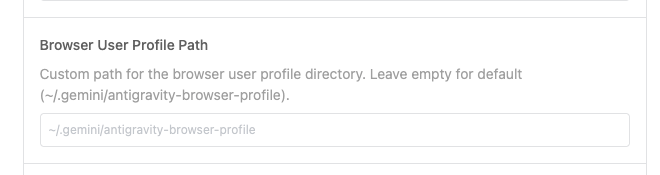
To change the location where your browser profile is created, modify the following setting in the Browser section: