

IDE extensions
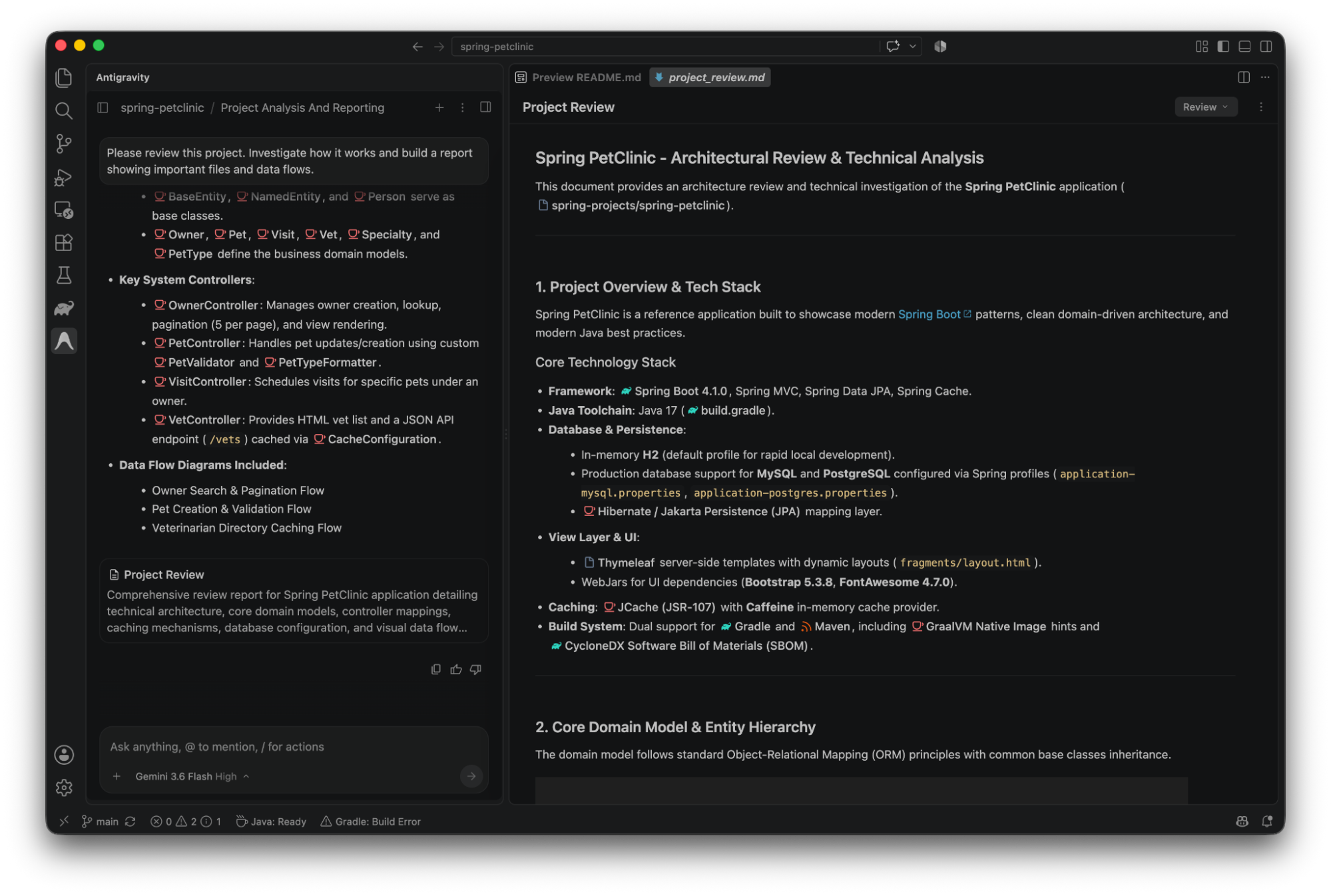
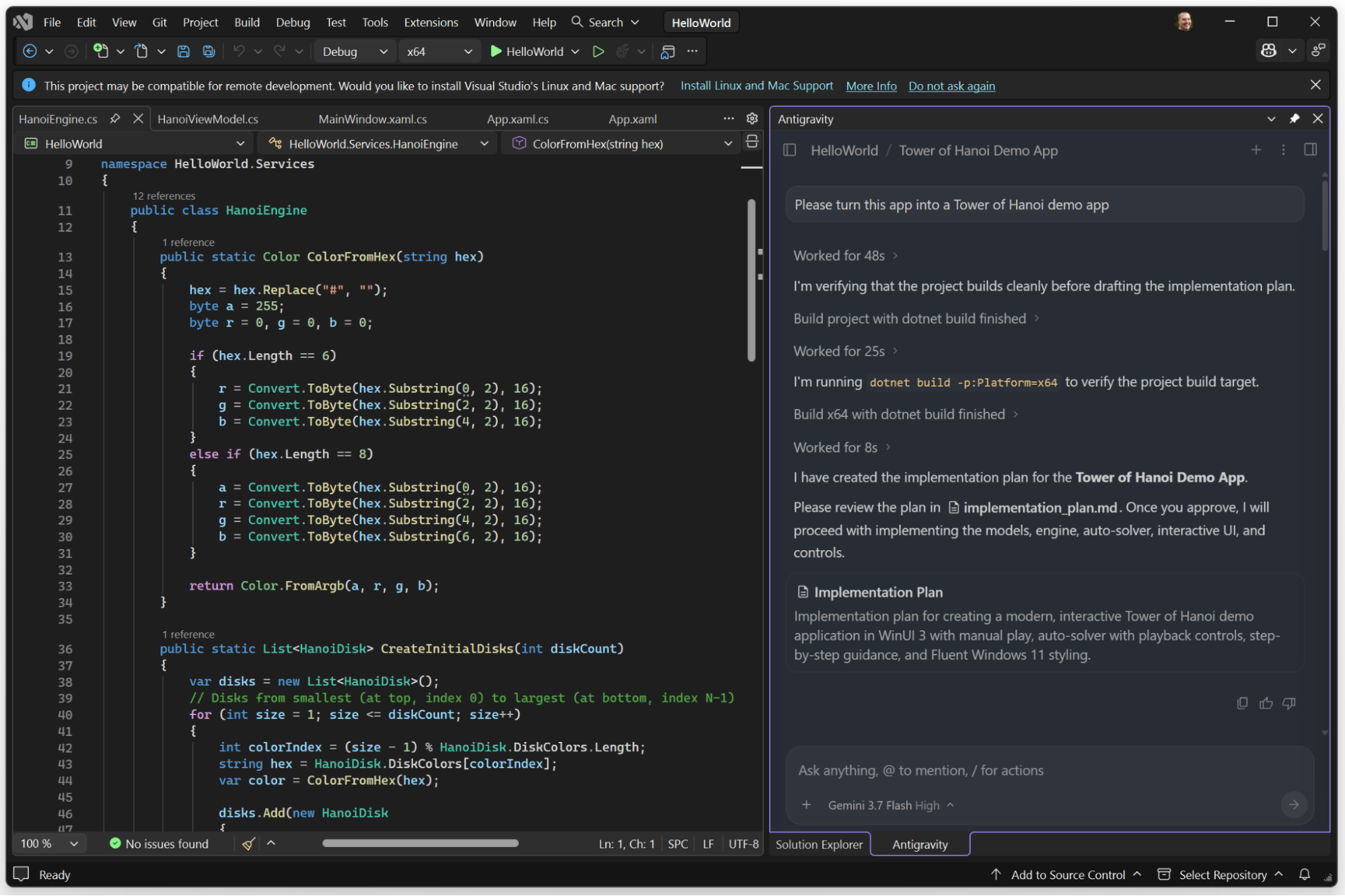
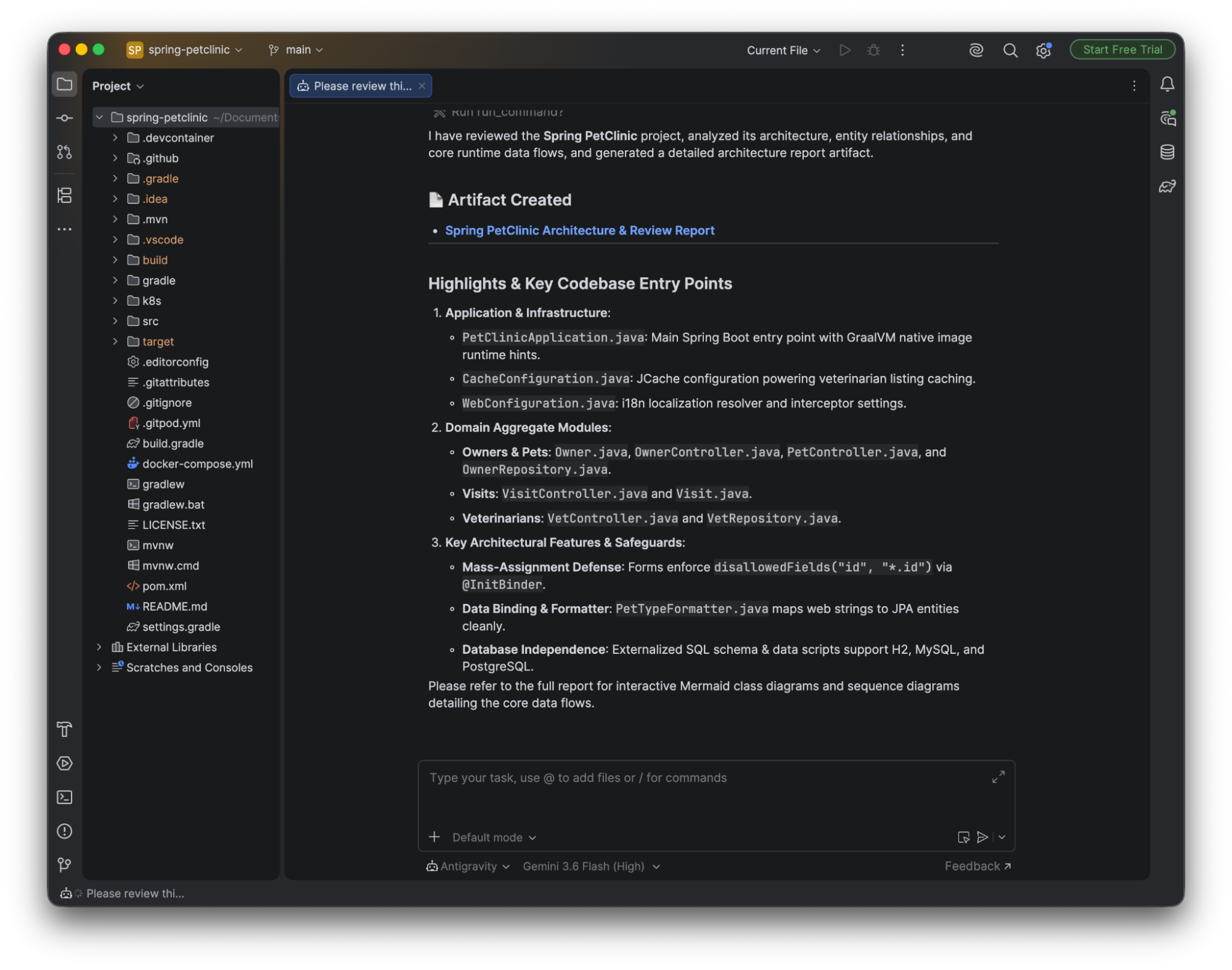
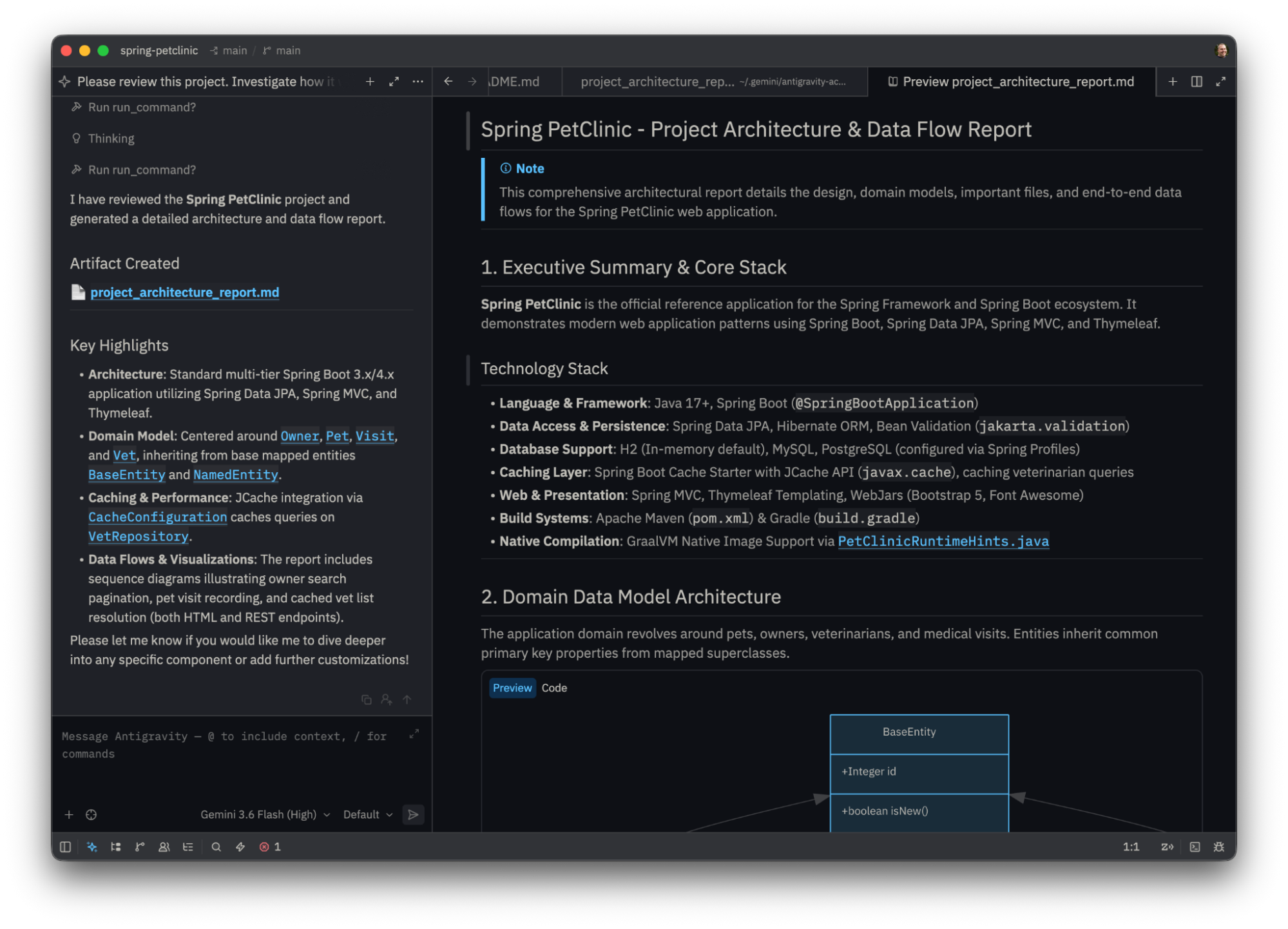
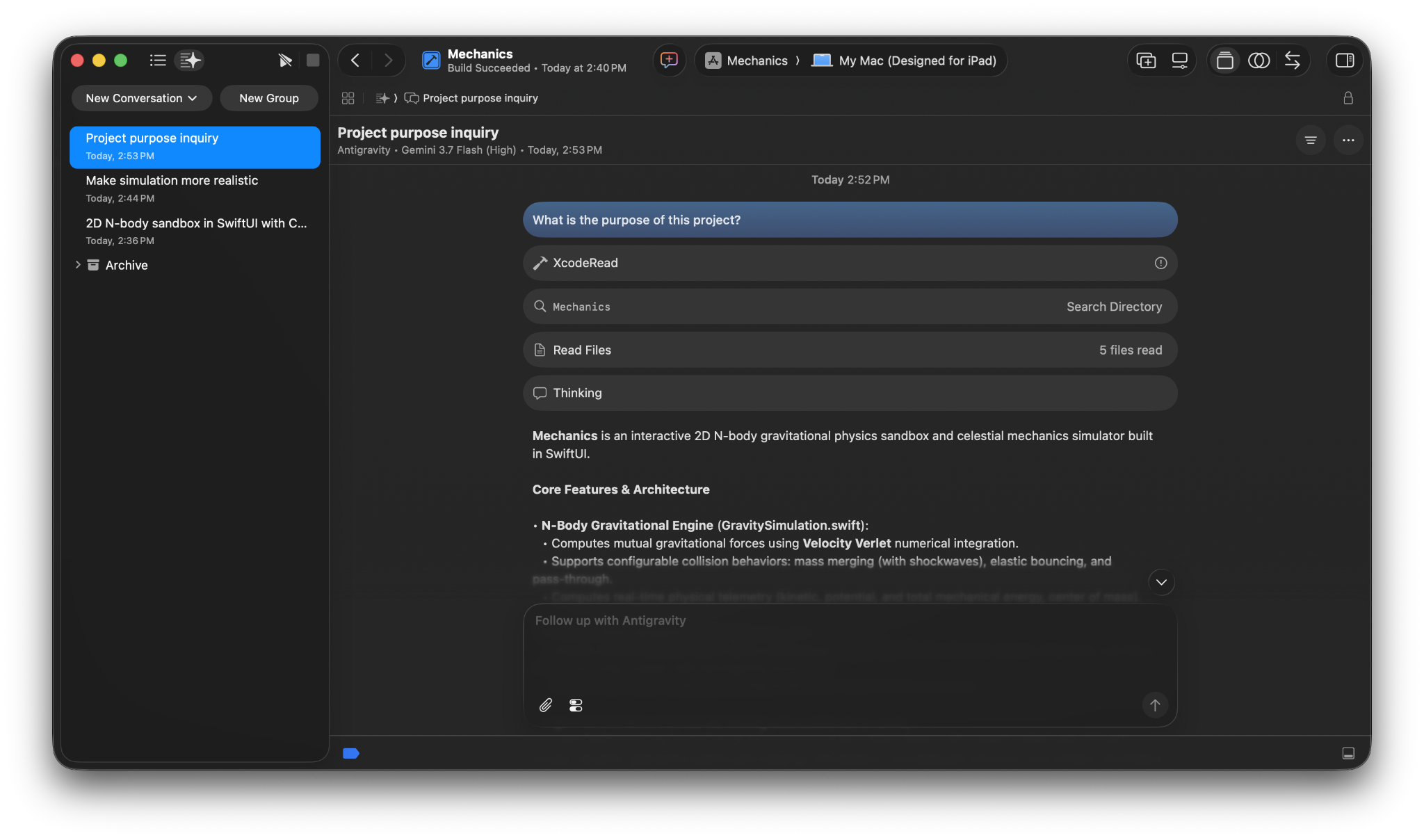
Section titled “IDE extensions”Antigravity IDE extensions bring Google’s agentic development platform directly into your favorite editor. Without switching your development environment, you can converse with agents in dedicated side panels, review granular inline diffs, inspect interactive plans, and execute multi-step engineering tasks natively within your daily workflow.
Supported IDEs and editors
Section titled “Supported IDEs and editors”Visual Studio Code
Lightweight extension in the VS Code Marketplace for macOS, Linux, and Windows.
Authentication and licensing
Section titled “Authentication and licensing”Antigravity uses a unified authentication system across all IDE extensions, the Antigravity CLI, and the Antigravity App (desktop). Your sign-in determines your model entitlements, quota limits, and data privacy policies.
Individual developers
Section titled “Individual developers”If you are an individual developer, you can sign in with any personal Google Account:
- Click the Antigravity icon in your editor’s activity bar or tool window and click Sign In.
- Complete authentication in your default web browser.
- Your session automatically connects to your account to use your plan’s model credits and rate limits (including the free tier).
Enterprise teams and organizations
Section titled “Enterprise teams and organizations”For enterprise developers, Antigravity integrates directly with Gemini Enterprise and Google Cloud governance (currently in Preview for JetBrains, Zed, Xcode, and Eclipse):
- Click Sign In and select Sign in with Gemini Enterprise.
- Authenticate using your corporate identity (including BYOID and Workforce Identity Federation).
- Select your target Google Cloud Project and Region when prompted.
- Enterprise guarantees: Review the following enterprise protections:
- Data privacy: Your code, prompts, and agent transcripts are never used to train Google foundation models.
- Compliance: All agent interactions operate under the enterprise-grade Google Cloud Terms of Service.
- Security: Respects your organization’s IAM policies, VPC Service Controls (VPC-SC), and custom dual-region or sovereign cloud boundaries.