

Antigravity supports the full suite of IntelliJ-based IDEs—including IntelliJ IDEA, PyCharm, WebStorm, GoLand, CLion, Rider, and more—starting with version 2026.2.1+.
Prerequisites
Section titled “Prerequisites”- IntelliJ-based IDE: Any IntelliJ-based IDE version 2026.2.1 or later on macOS, Linux, or Windows.
- Antigravity Entitlement: A Google Account with any Antigravity plan (including the free tier) or Gemini Enterprise (Enterprise support in Preview).
Installation & Setup
Section titled “Installation & Setup”- Open your IntelliJ-based IDE.
- Open JetBrains AI > Settings > Agents.
- Search for Antigravity.
- Click Install.
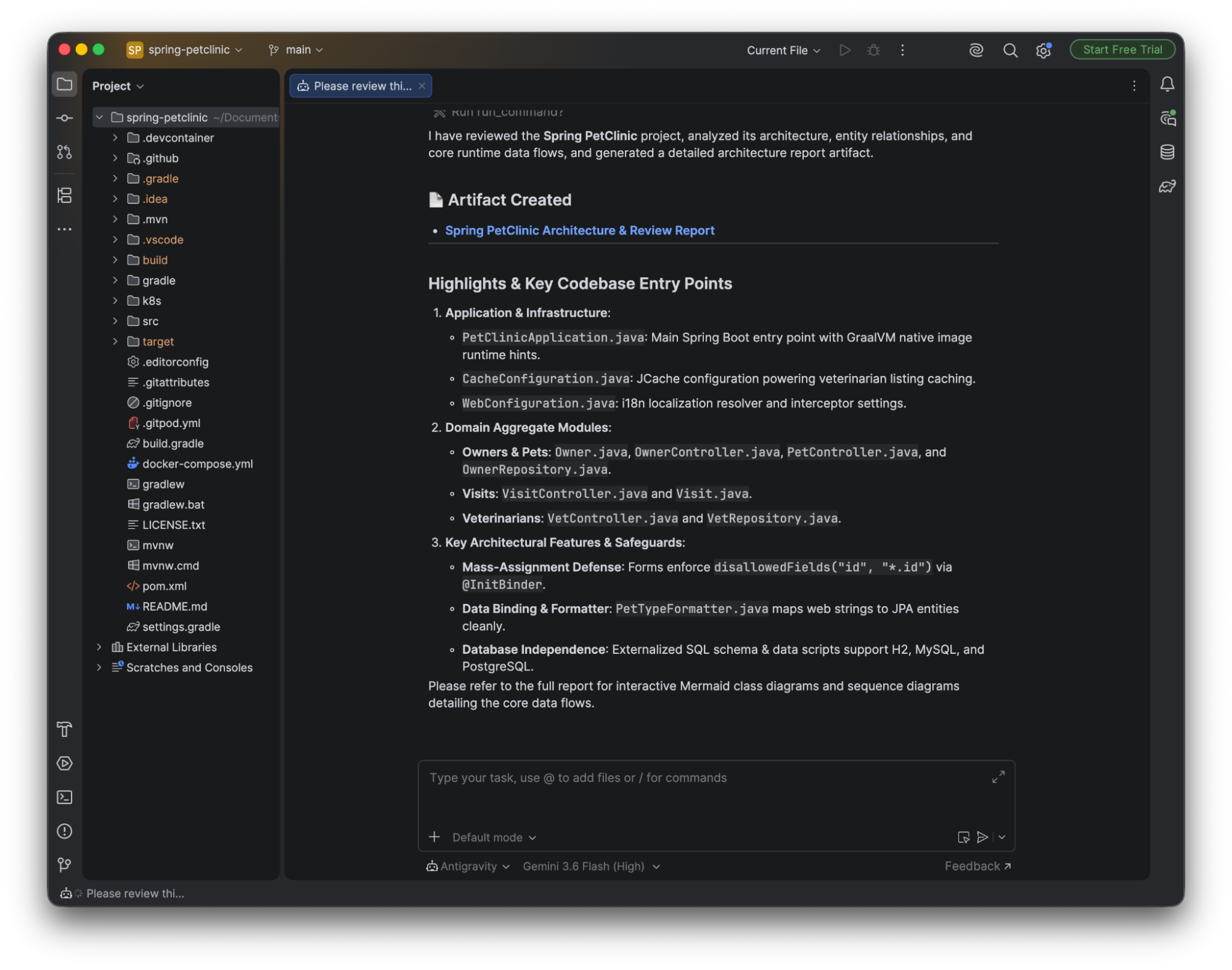
Authentication & Licensing
Section titled “Authentication & Licensing”For individual Google AI subscription plans (including Free, Pro, and Ultra):
{
  "auth": {
    "type": "oauth-personal"
  }
}