Explore our next generation products
Built for developers and teams in the agent-first era
Everything you need to stay up-to-date and get help
Google Antigravity for Knowledge Work
As the adoption of Google Antigravity has scaled, we’ve seen people bring Antigravity far more than code. Alongside software engineering, more and more daily sessions center on deep research, data analysis, drafting documents and presentations, prototyping designs, and automating everyday workflows. We’ve seen this exact same pull inside Google, where tens of thousands of Googlers outside software engineering (across sales, finance, legal, product, design, research, marketing, and operations) now rely on Antigravity every week alongside engineers to get their work done.
Software development at the core, built with every role in mind
We are in the business of helping the world deliver value through products and research. No matter what you are working on, the underlying logic and systems eventually need to be built, and that requires software development. That’s why software development is, and will remain, at the core of what Antigravity enables.
But actually delivering value never happens in a silo. It requires every role—engineering, product, design, data, science, operations, and go-to-market—working together with a common language, shared context, and mutual understanding. And the exact same agentic capabilities forged on complex software engineering (multi-step reasoning, working directly across local folders and connected tools, orchestrating subagents and plugins, and iterating on rich artifacts) are what make an agent genuinely useful for rigorous knowledge work, too.
Supporting knowledge work shouldn’t mean pointing non-developers to a watered-down experience, nor should it mean forcing everyone to navigate Git worktrees, terminal panes, and line-by-line code diffs just to collaborate with an agent. That’s why Antigravity is built with everyone doing knowledge work in mind, and why today we are launching a new Knowledge Work user experience in Google Antigravity to support both software engineering and broader knowledge work.
One Antigravity agent, tailored to how you work
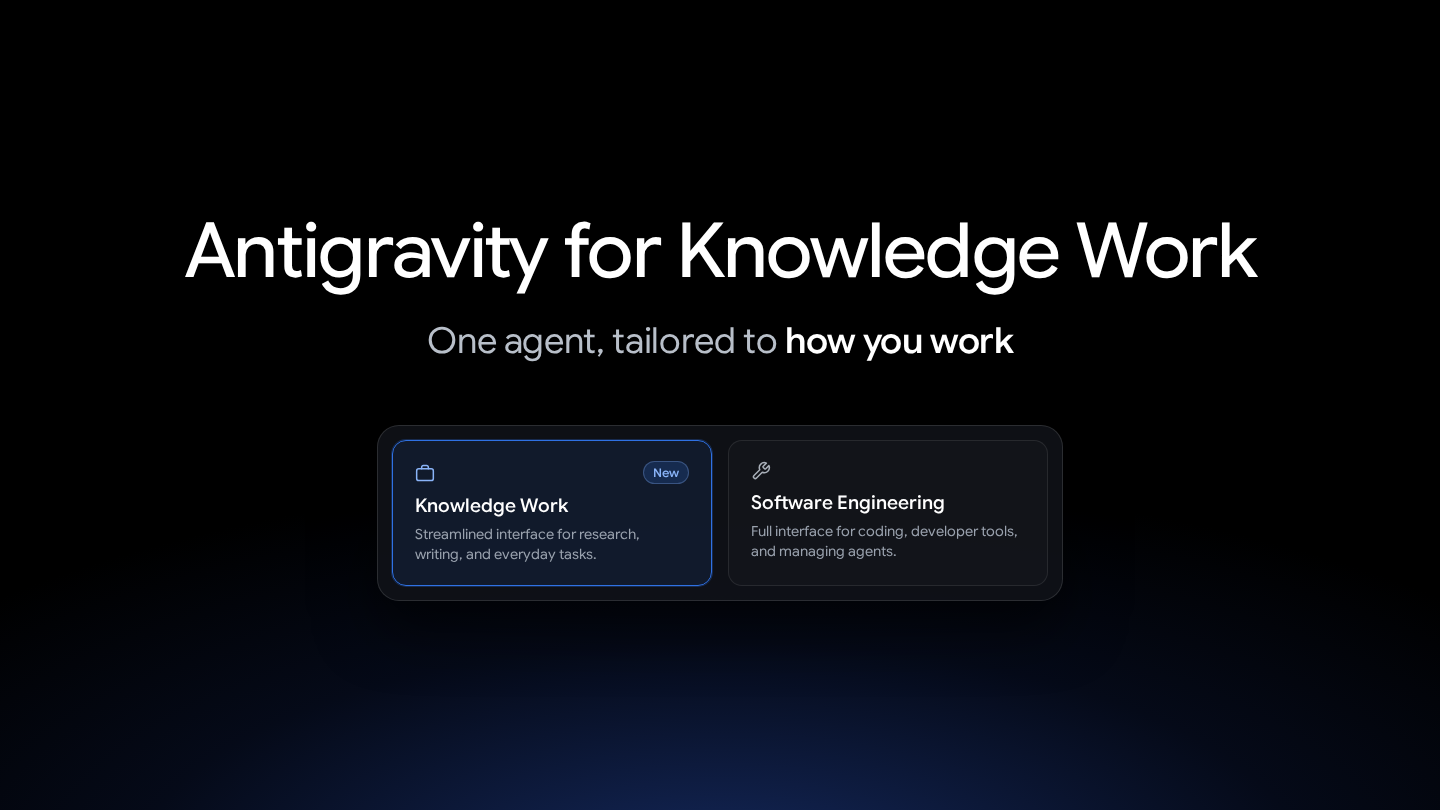
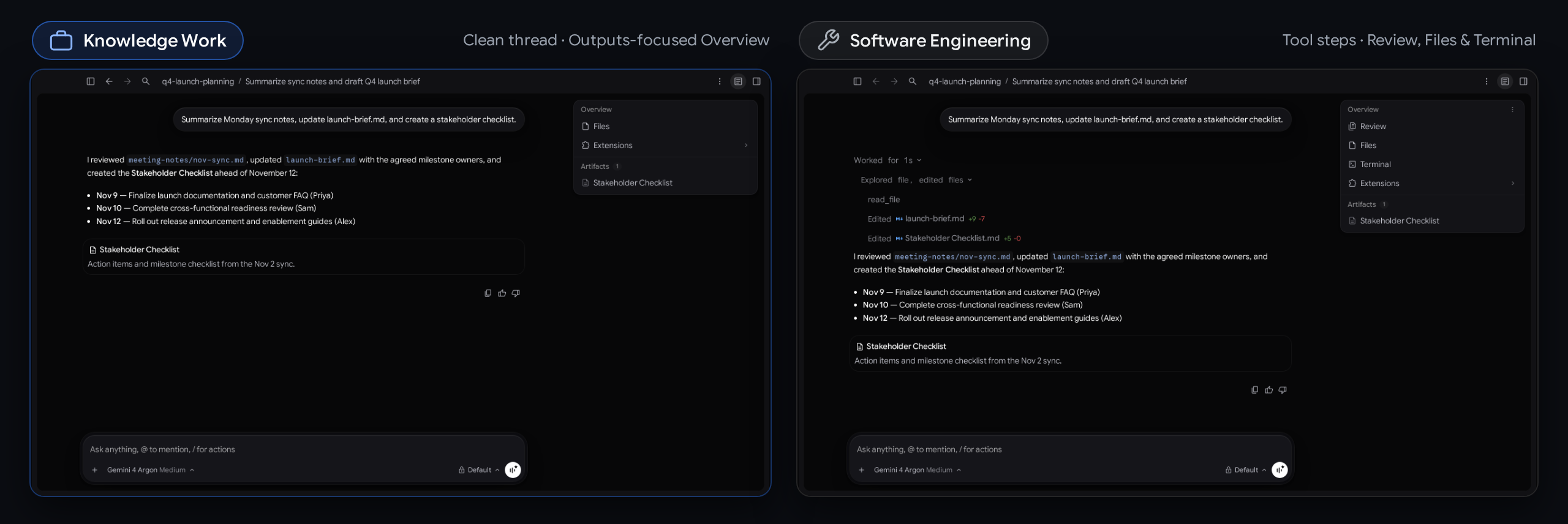
While Antigravity’s default UI was built around repositories, terminals, and code diffs, you can now choose between two interface layouts in the Antigravity App: Knowledge Work and Software Engineering. Both layouts run the exact same Antigravity agent, with full access to frontier models, local files, plugins, skills, rules, custom agents, and MCP servers, so these visual changes make Antigravity more approachable and intuitive for professional knowledge work without giving up any underlying capability.
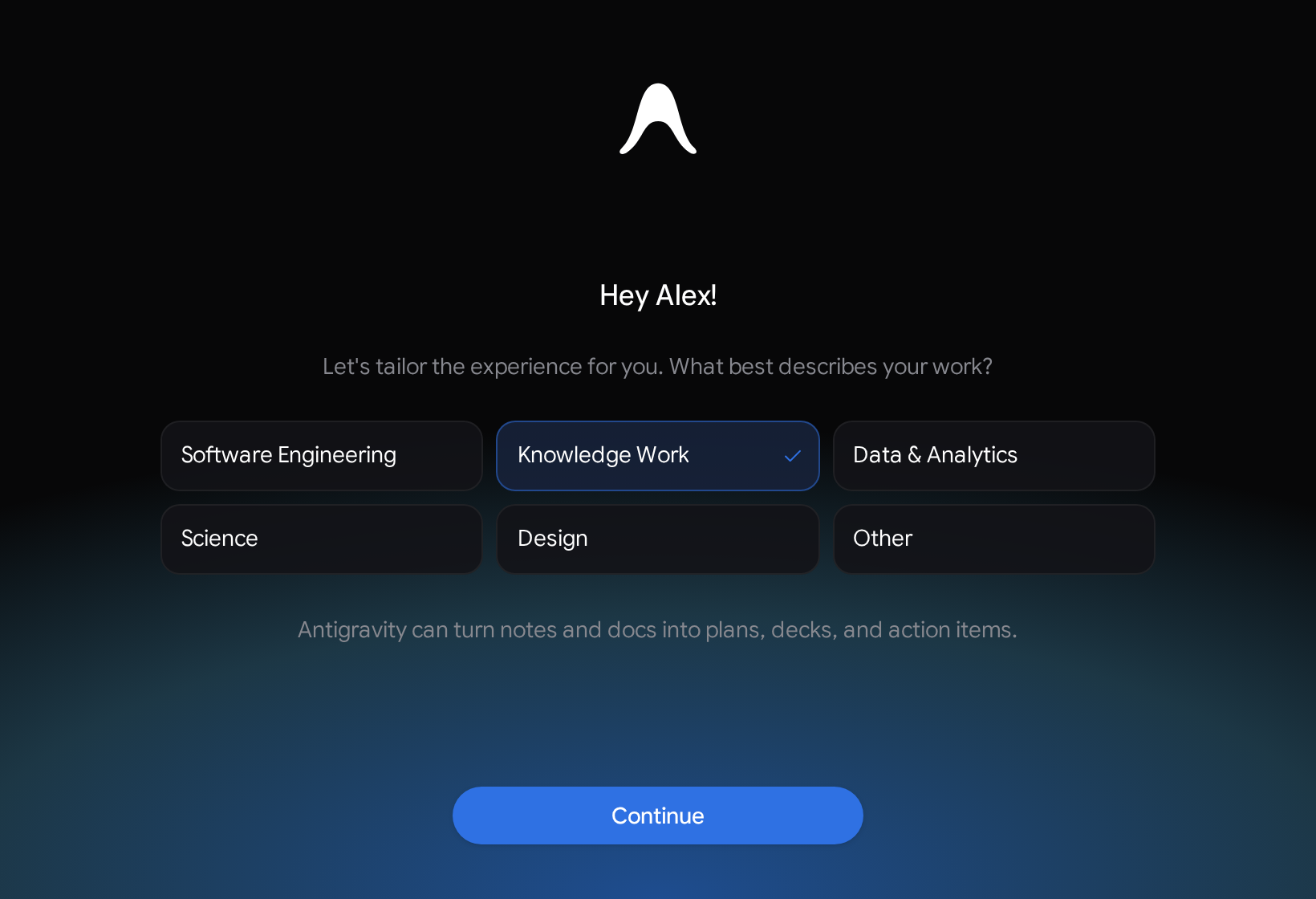
Alongside interface layouts, we’ve rolled out an updated role-based onboarding flow for new users. When signing in for the first time, you can select what best describes your work (starting with Software Engineering, Knowledge Work, Data & Analytics, Science, or Design) to automatically tailor your starting interface layout, starter prompts, and recommended plugins right out of the box.
How to switch
- In Google Antigravity, open Settings > General > Interface Layout (
Cmd+,on macOS orCtrl+,on Windows and Linux). - Select Knowledge Work or Software Engineering (the default for existing users).
Switching takes effect immediately across open and new conversations with no restart needed.
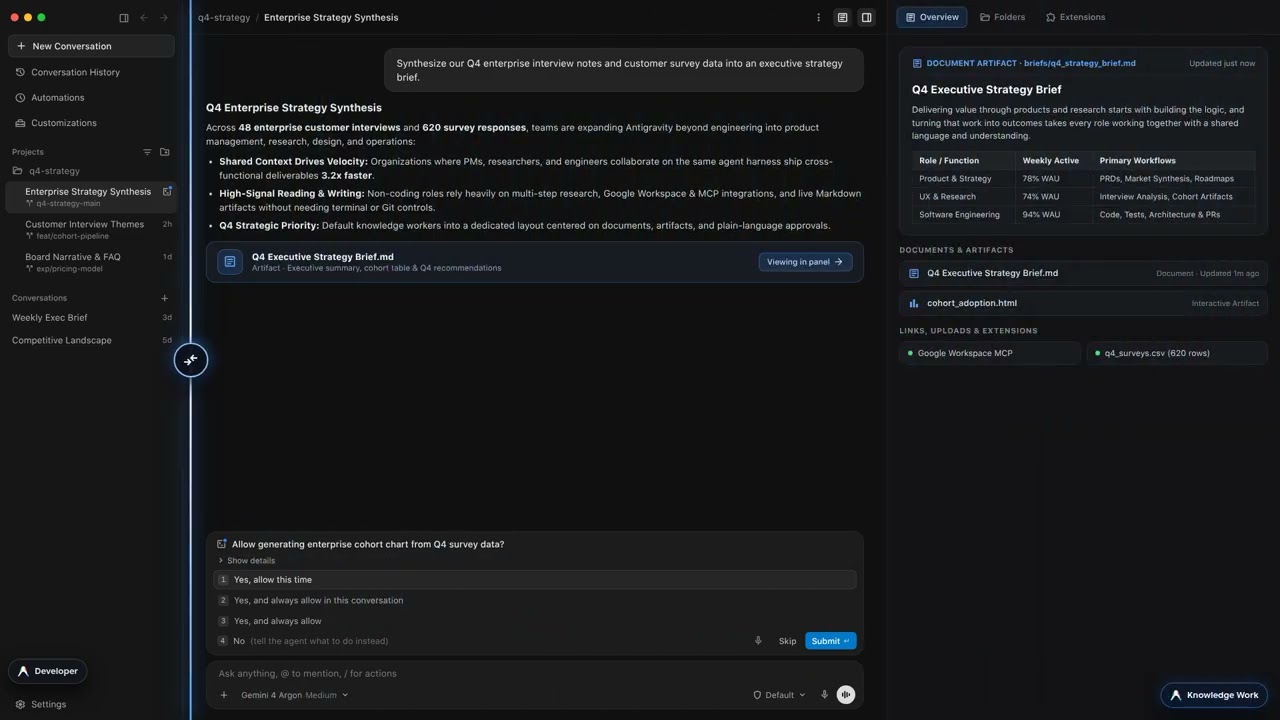
Switching between Knowledge Work and Software Engineering in Google Antigravity.
What changes in the Knowledge Work layout
- Streamlined projects & sidebar: Creates folder-backed projects and standalone No Project conversations directly without Git worktree prompts, and hides Git branch pickers and IDE handoff buttons.
- Cleaner conversation thread & approvals: Replaces expandable tool-call groups, inline code diffs (+/- line counts), and subagent cards with a live progress line that clears once the turn finishes, keeps focus on replies and artifacts, and presents plain-language summaries on permission prompts.
- Outputs-focused Overview & Side Panel: Stays tucked away until a conversation produces output, removes Review and Terminal, renames the Files tree to Folders, and centers on Documents, Artifacts, Links, Uploads, and Background Tasks (keeping Extensions when UI plugins or MCP Apps are active).
- Simplified Customizations & Settings: Highlights installed Plugins in the Installed tab (while configured skills, rules, custom agents, and MCP servers continue running in the background) and tucks developer controls (Terminal, Workspaces, and detailed permission rules) under Advanced Settings.
Read the full breakdown in the documentation.
Just the start
While coding and software engineering remain the core of Antigravity and what we build, we can recognize when our users are pushing the platform in new ways, and we want to meet our users where they are. A tailored layout is just the beginning. Stay tuned for more updates that make Antigravity a safe, first-class platform for every kind of knowledge work.
Download Google Antigravity to try the new Knowledge Work layout today.