Explore our next generation products
Built for developers in the agent-first era
Everything you need to stay up-to-date and get help
Antigravity Anywhere with Remote Control
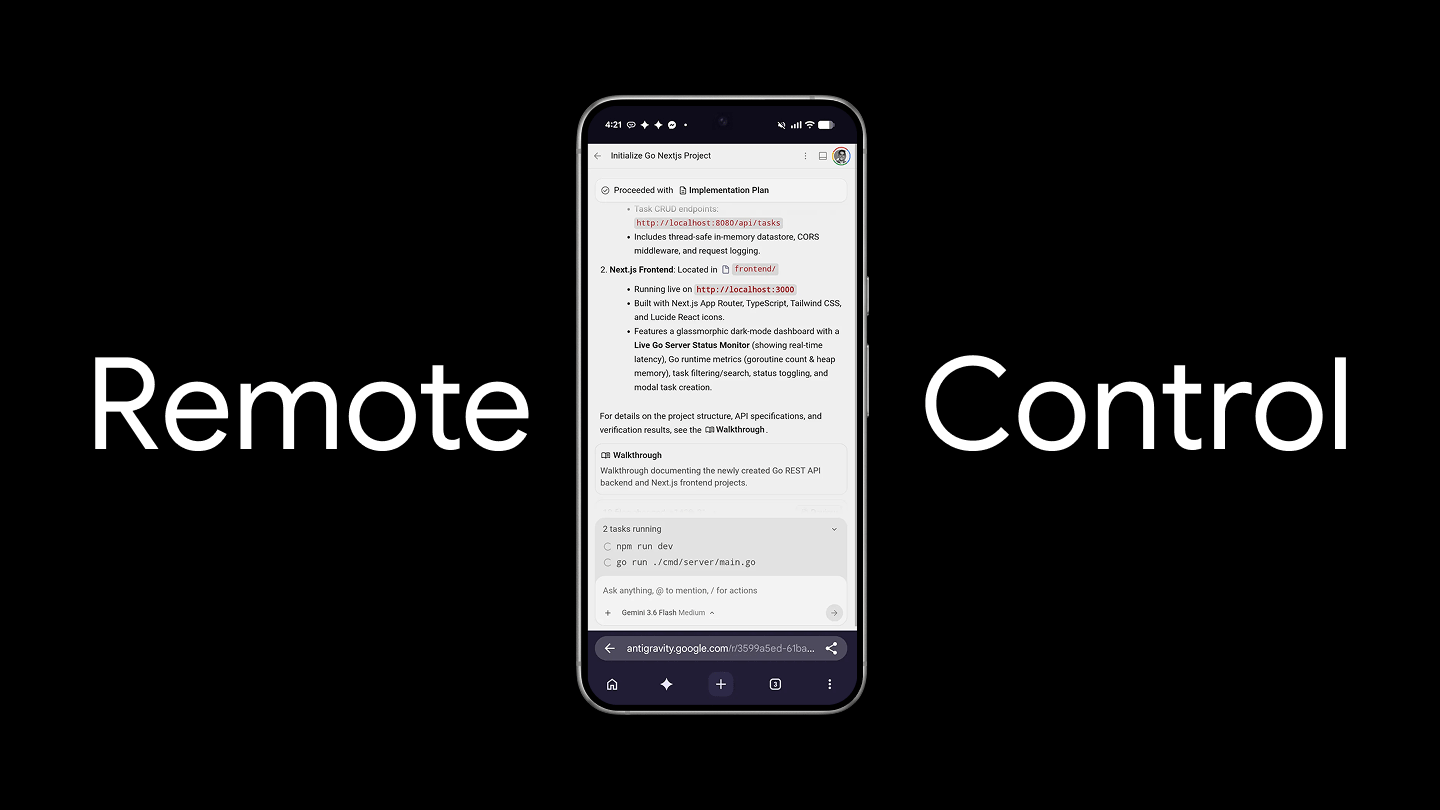
Using Agentic AI to write software has shifted from generating a snippet line by line to refactoring entire subsystems, running large-scale test suites, diagnosing build breakages, and even managing complex version control across workspaces. As agents take on a larger scope in tasks, they can also take longer to run. A full refactor of a codebase can easily take even longer.
Traditionally, the software developer would be either sitting there writing the code themselves, or more recently monitoring the agents at their desks. They can hope that while staring at the agent logs for it to complete faster or they can step away blind, not knowing if the agent finished 5 seconds after they stepped away or 20 minutes later.
With Antigravity, we now let you carry the agents with you as you move, ensuring you’re no longer tied to a single physical workstation to accomplish your work.
What is remote control?
Remote control allows you to connect and drive your Antigravity sessions running across your different machines (laptops, servers, desktops), all you need is a web browser. While you have your web browser handy, you are able to remotely connect to each of your different machines running Antigravity and retain full access to your files, workspaces, build tools, credentials, and environment variables. The remote control interface is a secure window into your workspace.
Benefits of remote control
Let’s dive into the benefits of remote control and see how we can make the most of the feature.
Multi-instance management
Many of us prefer using different machines for different types of work. With Antigravity remote control, you can easily dedicate specific machines to UI development while letting other machines (such as cloud environments) handle server-based tasks. Best of all, you can seamlessly switch between these instances, manage multiple environments and agents all at the same time.
Interactive preview of the Antigravity Remote Control multi-instance management dashboard.
Untethered productivity
Remote control allows you to move from your physical location to anywhere. You can start a complex task and walk away from your machine. Even while you’re away, you can monitor progress, review changes, and execute commands on that machine while you are away from your work machine.
Local context retained
You no longer need to make sure that your environment where you’re building needs to match your work machine’s environment. If you decide to walk away from your workstation and take your laptop somewhere, you can continue to have your agents run without recreating that environment on your laptop. It also means you can continue a session that you started without needing to try to attempt to recreate that session on your different workstation.
Proactive push notifications
Even if you are away from your machine with remote control, you still need to be notified when your input or action is needed. That is where proactive push notifications come in. We have implemented push notifications in remote control so you can be alerted when your agents have finished their turns and require your input for further work.
Example of a push notification on mobile when an agent needs user input.
Let the agent work while you move
Development doesn’t have to stop when you step away from your keyboard. Using Antigravity remote control allows you to retain the power of your workstation sitting under your desk while providing the flexibility of working remotely with any environment that supports a browser.
To get started with remote control, check out the Antigravity 2.0 Remote Control documentation! Let us know on X how you are using remote control.